Getting started
Start with one record or CD you know well.
This guide begins after you’ve signed in to Sides with an account that has Archive access. Keep one familiar record or CD beside you for the first pass.
Get to know your Archive
Your Archive is your private record of the physical music you own. A title brings together information about the recording. Each copy describes a physical item you own, including its release details and condition.
One title can have several copies. For example, you might own the same album on vinyl and CD. Read Titles and copies for the distinction between a title, a release, and a copy.
Add your first title
- Choose New title in Sides.
- Choose the appropriate category and enter the details you know. Keep the record or CD nearby so you can check its label, catalog number, and format.
- Fill in the details for your first copy. Leave optional details blank when you are unsure.
- Review the form, then choose Create title. In a compact layout, the action is labeled Save.
You can enter the details yourself or ask Maestro to help research the release. Applying a suggestion fills in the form; save the form to add the record to your Archive.
Find it again
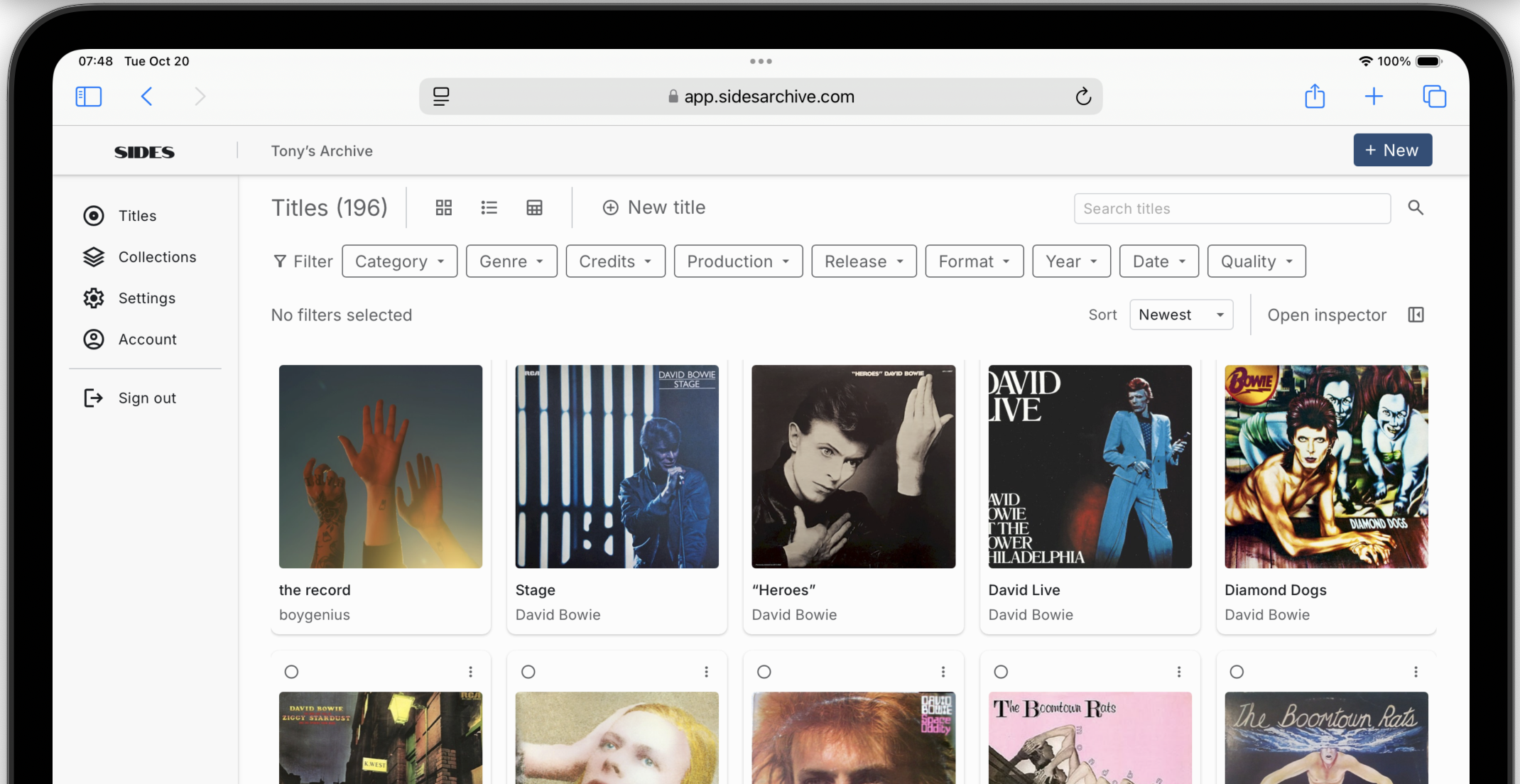
- Return to your Archive and look for the title you added.
- Use Search titles to narrow the results, or switch between Grid, List, and Details views.
- Open the title and check both the recording information and the details of your copy.
If you own another physical copy, use Add copy from the existing title. See Add another copy.

Build from there
Add a few more familiar recordings before tackling uncertain releases or incomplete credits. A useful first pass can be simple: identify the title, record the copy you own, and come back to refine optional details.
Next, learn about adding music, Collections and Locations, or finding and refining. You can change your Archive name and appearance in Settings.